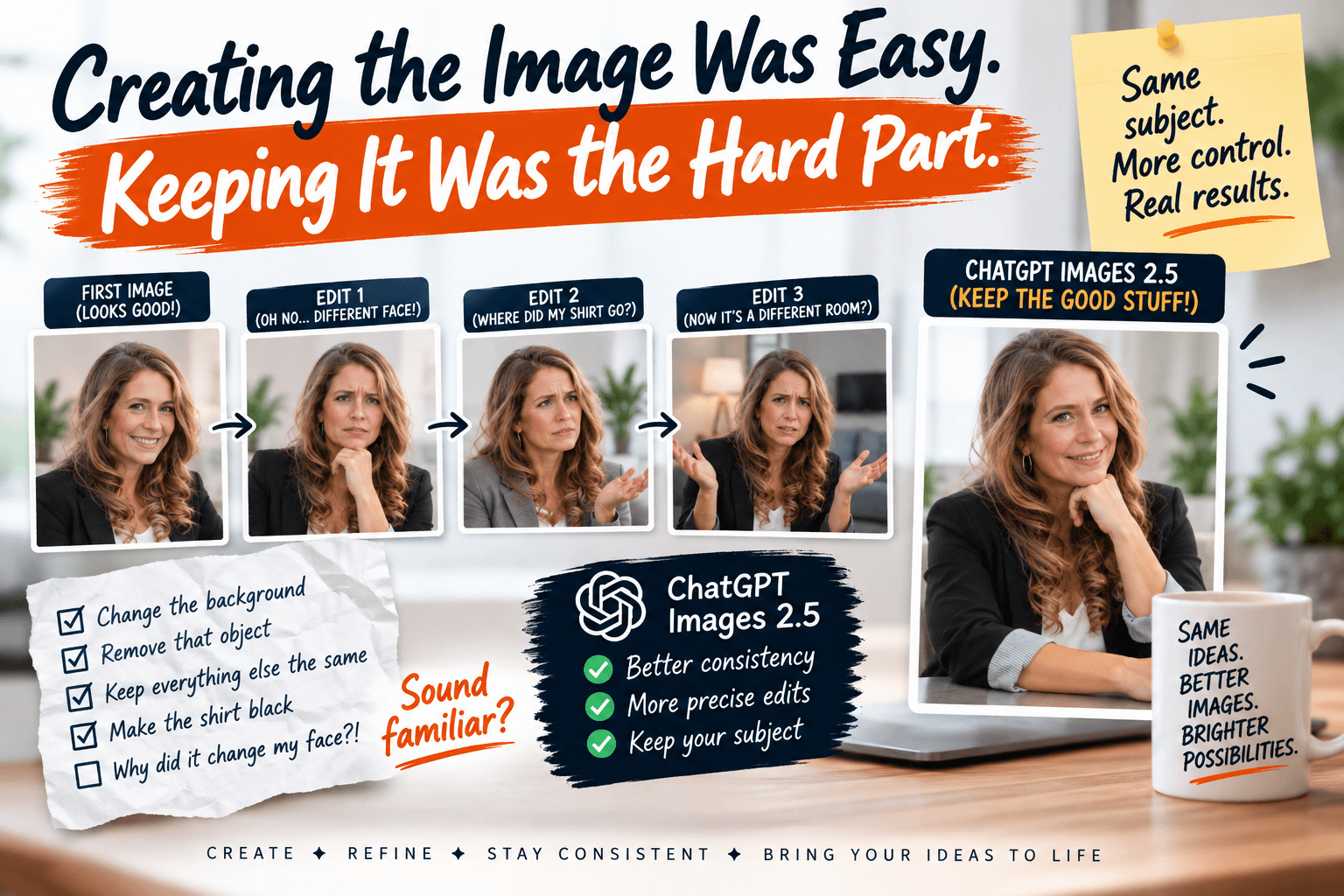
Creating the Image Was Easy. Keeping It Was the Hard Part.
ChatGPT Images 2.5 is here. Here's why the consistency improvement matters more than prettier pictures for everyday entrepreneurs.
You finally get an AI image you like.
So you say: "Great. Now make the background blue instead of gray. Leave everything else the same."
And suddenly the person's face is different.
Or the shirt changed color.
Or the layout shifted.
Or something you never mentioned disappeared entirely.
If you've used AI images for your business, you know this dance. You spend more time fighting to keep what you already liked than you do making the actual change you wanted.
It's like ordering a pizza and saying "extra cheese, everything else the same" and they bring you a calzone.
What Actually Changed
OpenAI released ChatGPT Images 2.5 this week. Yes, the images look sharper. Yes, the lighting is more natural. But here's what caught my attention:
The AI is getting better at letting you keep working on the same image without breaking it.
That might sound small. It's not.
For entrepreneurs who create newsletter graphics, social posts, product photos, or thumbnails, this is the difference between a tool you use once and a tool you can actually iterate with.
Here's what that looks like in practice:
You upload a real photo and create variations while the person still looks like the same person.
You change one element in a social graphic without rebuilding the whole thing.
You develop a visual style and make additional assets around it.
You edit a product photo, a newsletter header, or a promotional image without starting from scratch.
The workflow is becoming more controllable. More iterative. More like a conversation and less like a slot machine.
It's still not perfect. AI images can still make mistakes. But the direction matters. We're moving from "generate and hope" to "generate, then direct."
A Simple Shift in Thinking
This points to a bigger idea.
The value of AI isn't just that it can create something.
The value increases when you can actually direct it.
So instead of trying to write one perfect prompt that gets everything right on the first try, think of it differently:
Create a strong starting point. Then refine it.
That's a much more realistic way to use AI creatively. It turns image creation into a back-and-forth instead of one giant guess.
We actually tested this idea recently in the SMS Community with a prompt that takes one reference photo and creates a grid of professional profile photos while keeping the same person recognizable. The better the AI gets at consistency, the more useful that kind of workflow becomes.
Want to Try It?
Reading about AI updates is fine. Actually using them is better.
I'm putting a simple image challenge and prompt inside the Self Made Success Community this week. It'll walk you through starting with a real image, creating something useful for your business, and making targeted changes while telling the AI exactly what to leave alone.
No theory. Just a practical way to see if the "keep what I liked" thing actually works for you.
If you're already in the community, watch for it. If you're not, now's a decent time to join. |
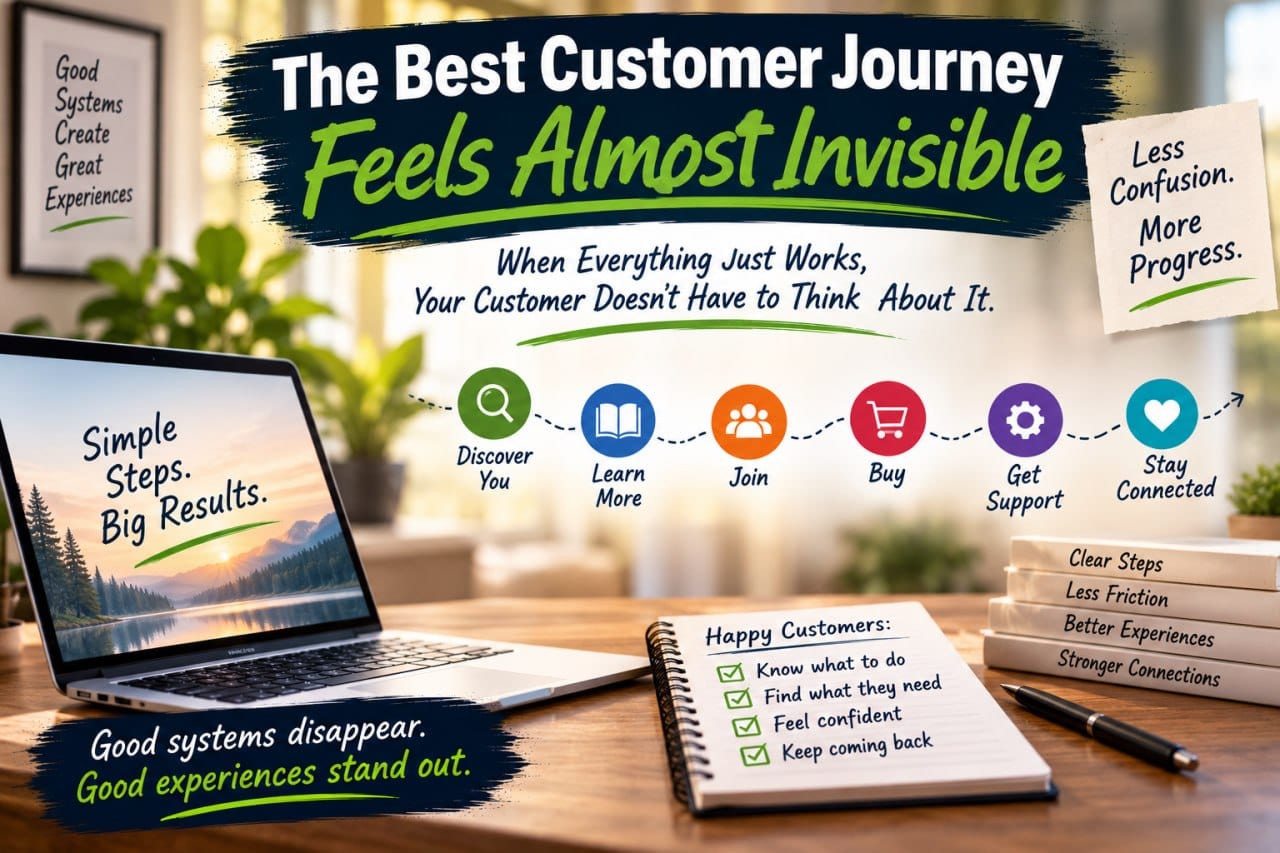
The Best Customer Journey Feels Almost Invisible
The best customer journey is one your customer barely notices. Learn how to find and fix friction points that make customers stop and ask, 'Where do I go now?'
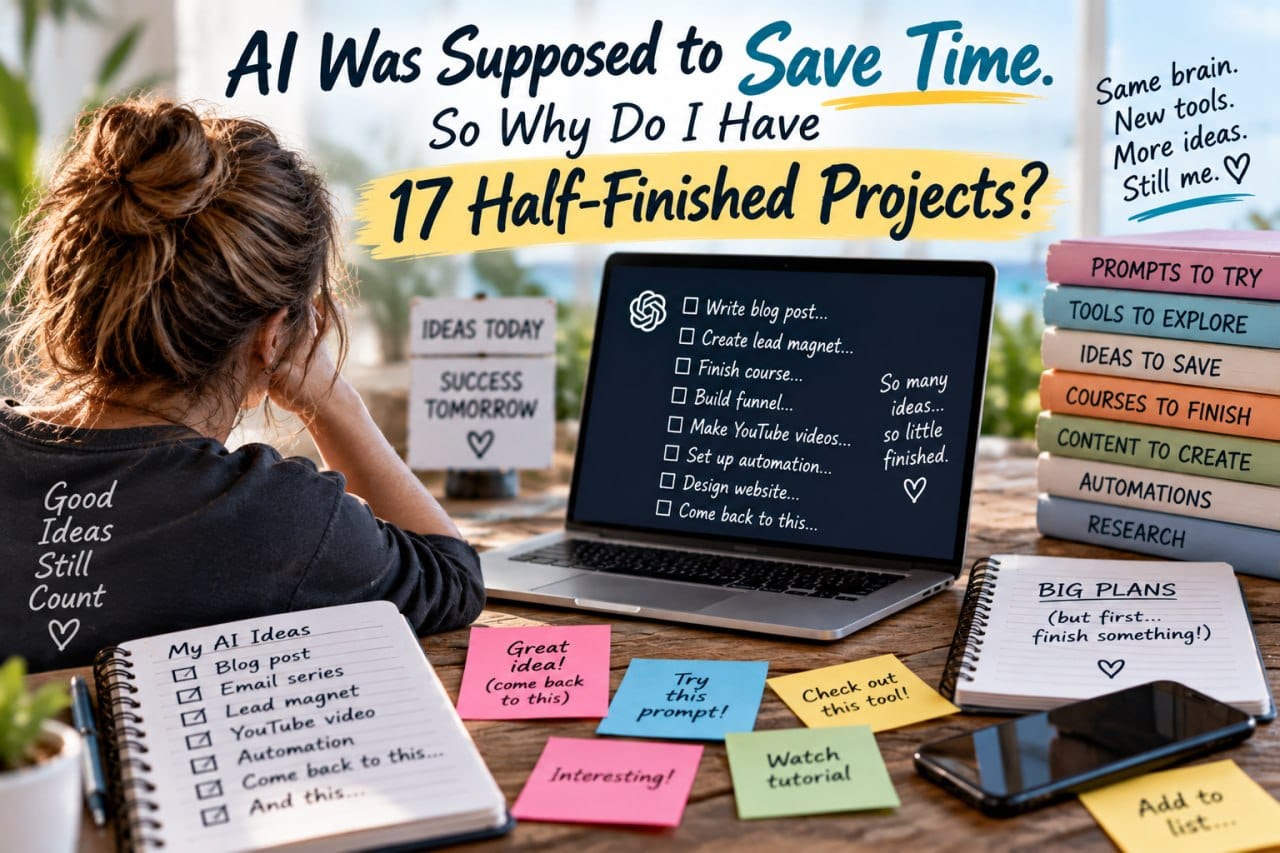
AI Was Supposed to Save Time. So Why Do I Have 17 Half-Finished Projects?
AI was supposed to save us time, but many entrepreneurs find themselves with a growing collection of half-finished AI projects. Here is why that happens and how to fix it.
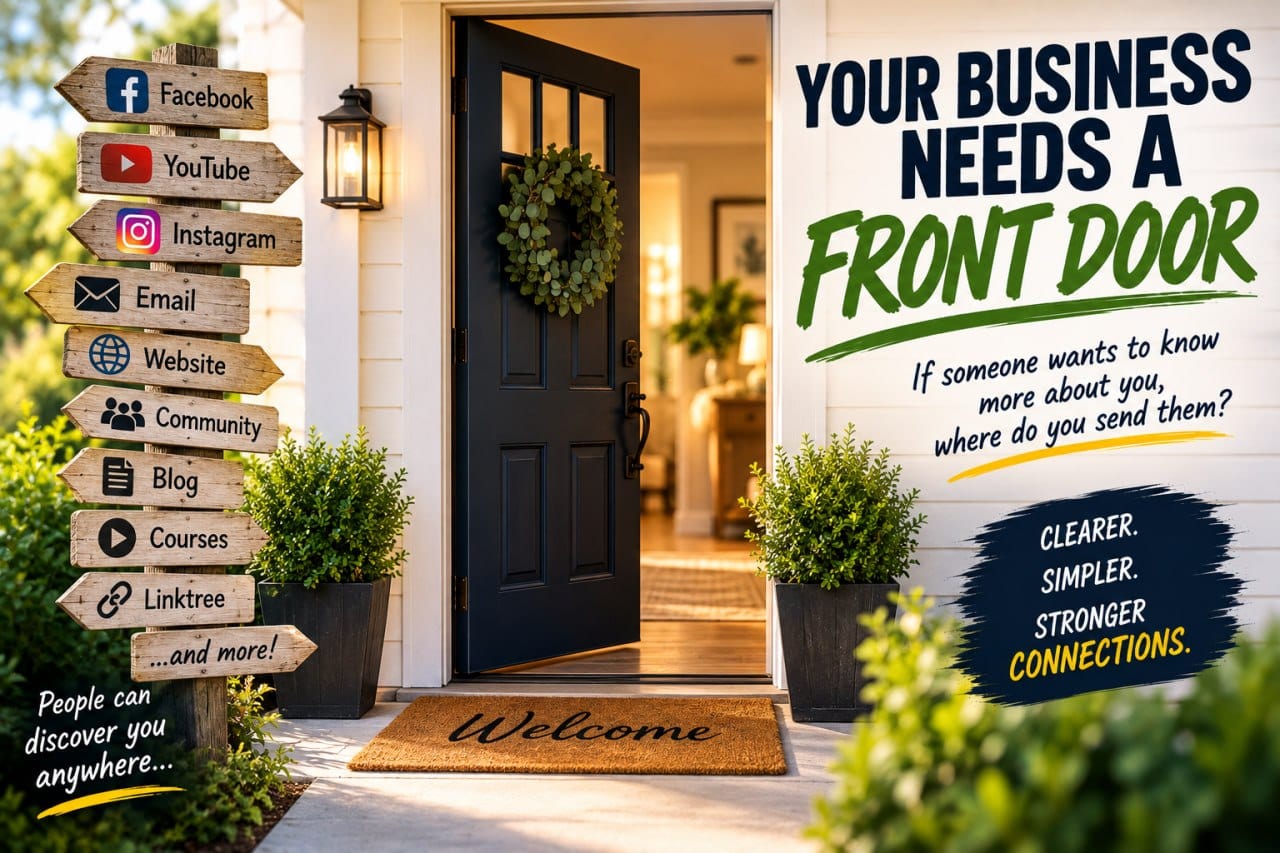
Your Business Needs a Front Door
If someone wants to know more about you, where do you send them? Here's why every business needs one clear starting point.

What Happens After Someone Clicks?
You worked hard to get their attention. Don't lose them now. Learn the 10-Second Test to fix your customer journey.
0 Comments
Join the conversation
Be the first to comment
Share your thoughts above.