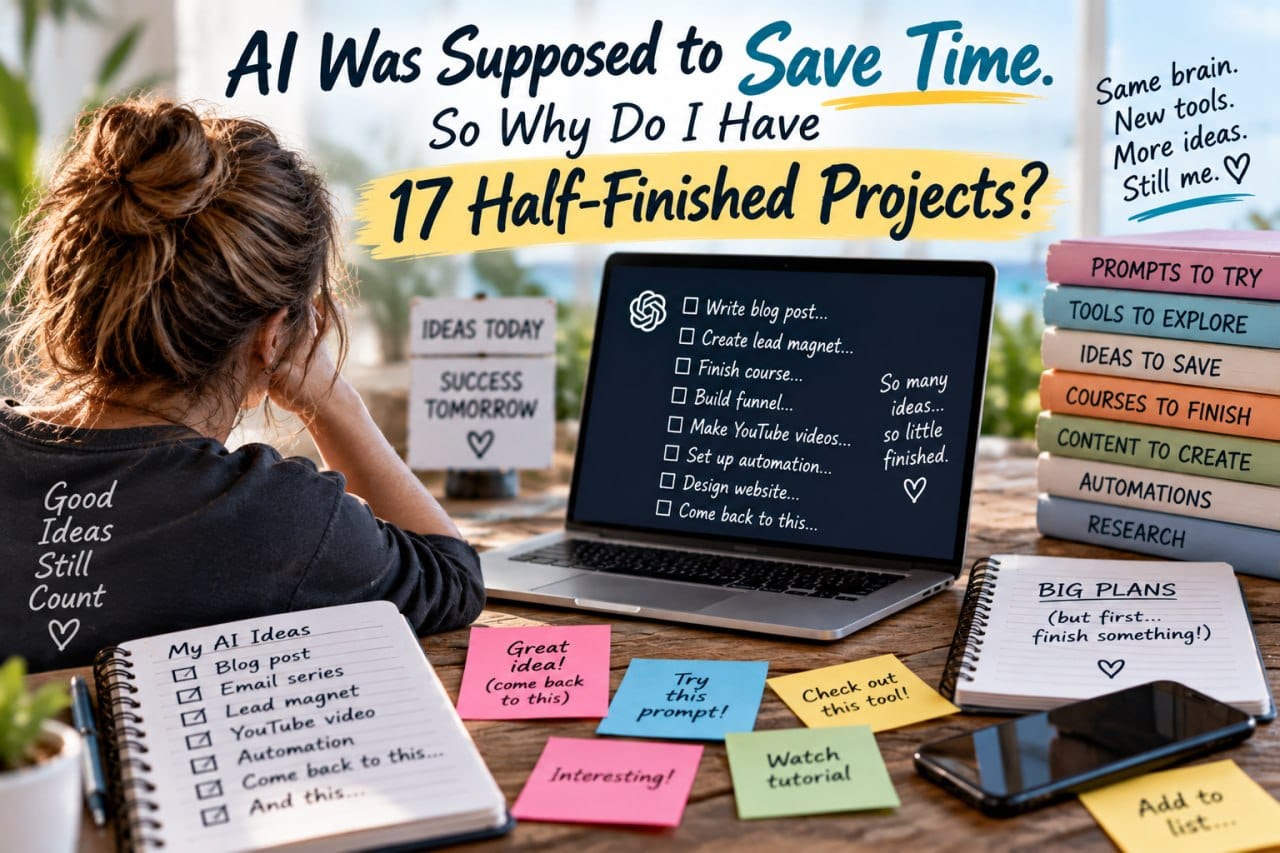
AI Was Supposed to Save Time. So Why Do I Have 17 Half-Finished Projects?
AI was supposed to save us time, but many entrepreneurs find themselves with a growing collection of half-finished AI projects. Here is why that happens and how to fix it.
AI was supposed to save us time.
So why do some of us suddenly have 17 half-finished AI projects?
I don’t think AI overwhelm is always about not understanding AI.
Sometimes it’s the exact opposite.
There are too many things we WANT to try.
The New Shiny Object Syndrome
Shiny object syndrome used to look like buying another course. Trying another marketing strategy. Joining another platform. Downloading another piece of software.
Now it can look like saving another prompt. Testing another AI tool. Watching another AI tutorial. Trying another automation. Experimenting with another custom GPT. Checking out every new feature release.
None of those things are inherently bad.
The problem starts when experimenting replaces implementing.
AI has made starting incredibly easy.
Starting an article. Starting a product. Starting a funnel. Starting a video. Starting research. Starting a business idea. Starting an automation. Starting a new content strategy.
But AI hasn’t removed the need to finish.
That may actually become one of the most important skills in the AI era.
Anyone can generate another idea.
The advantage belongs to the entrepreneur who can say: “That’s interesting, but I’m finishing THIS first.”
The Question That Changes Everything
Before trying the next AI thing, ask yourself:
“Will this help me FINISH something I’m already doing, or will it give me something ELSE to start?”
If we’re honest, most of the time it’s the second one.
And that’s where the trouble lives.
A Simple Rule
I call it the Finish Before You Start Rule.
Before opening another AI tool, testing another prompt, watching another tutorial, or starting another AI project, ask: “What am I currently working on that needs to be finished first?”
Then sort everything into three buckets:
DO NOW — This directly helps something I’m already working on.
SAVE FOR LATER — Interesting and potentially useful, but not necessary right now.
IGNORE — Interesting, but doesn’t move my current business forward.
“Save for Later” is important because it gives us permission NOT to chase something immediately.
We don’t have to learn every new AI feature the week it appears.
We don’t have to try every prompt someone shares.
We don’t have to understand every new model.
And we definitely don’t need another unfinished project disguised as “learning.”
Where to Put “Save for Later”
Here’s a practical tip that helps me.
I have a bookmark in my browser called “Go Back To.”
When I find something interesting that doesn’t need my attention right now, it goes there.
I also keep a “Go Back To” note in my phone. You could use any list app — AnyList, Apple Notes, whatever you already have. Name it “Go Back To” or “Check Out Later” and drop things in there.
The key is having ONE trusted place for “maybe later” instead of 47 open tabs, random screenshots, and bookmark folders you forget exist.
When you finish what you’re working on, THEN you can visit that list.
Most things on it won’t feel urgent anymore. That’s the point.
What Actually Matters
We don’t need more tools simply because they exist.
We don’t need more complexity.
We need to use the right tools to make what we’re already building easier, faster, and better.
AI should reduce friction in the business.
It shouldn’t become another source of it.
Your Challenge This Week
Look at your computer, notes, bookmarks, saved prompts, courses, browser tabs, or project list.
Find ONE unfinished project that actually matters.
Instead of starting something new with AI this week, use AI to help FINISH that one.
Maybe the smartest AI move you make this week isn’t learning something new.
Maybe it’s finally finishing something old.
Join the Conversation
If this resonated with you, come hang out with us in the Self Made Success Community.
We talk about this stuff all the time. Finishing projects. Avoiding shiny objects. Using AI without letting it use us.
No hype. No pressure. Just entrepreneurs figuring it out together.
Would love to see you there. |
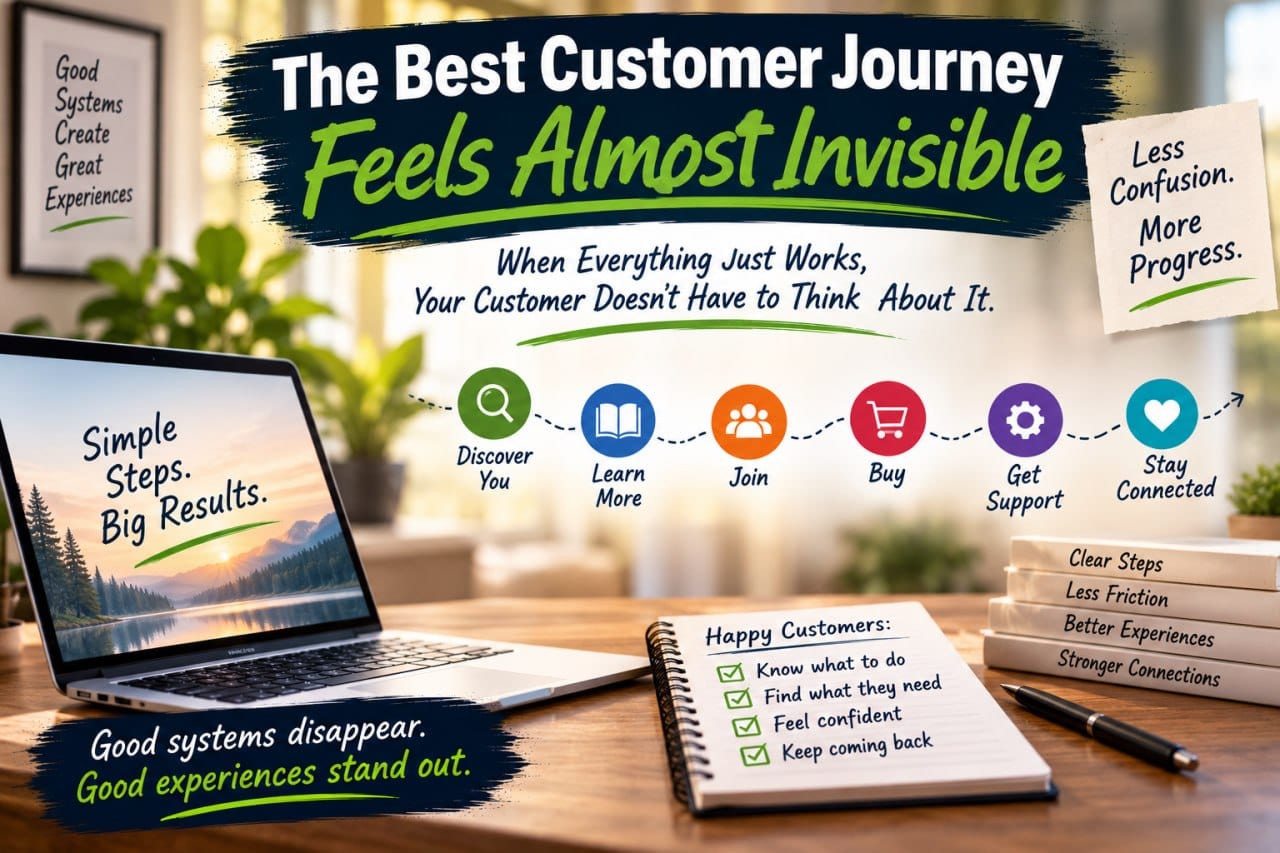
The Best Customer Journey Feels Almost Invisible
The best customer journey is one your customer barely notices. Learn how to find and fix friction points that make customers stop and ask, 'Where do I go now?'

Your Business Needs a Front Door
If someone wants to know more about you, where do you send them? Here's why every business needs one clear starting point.
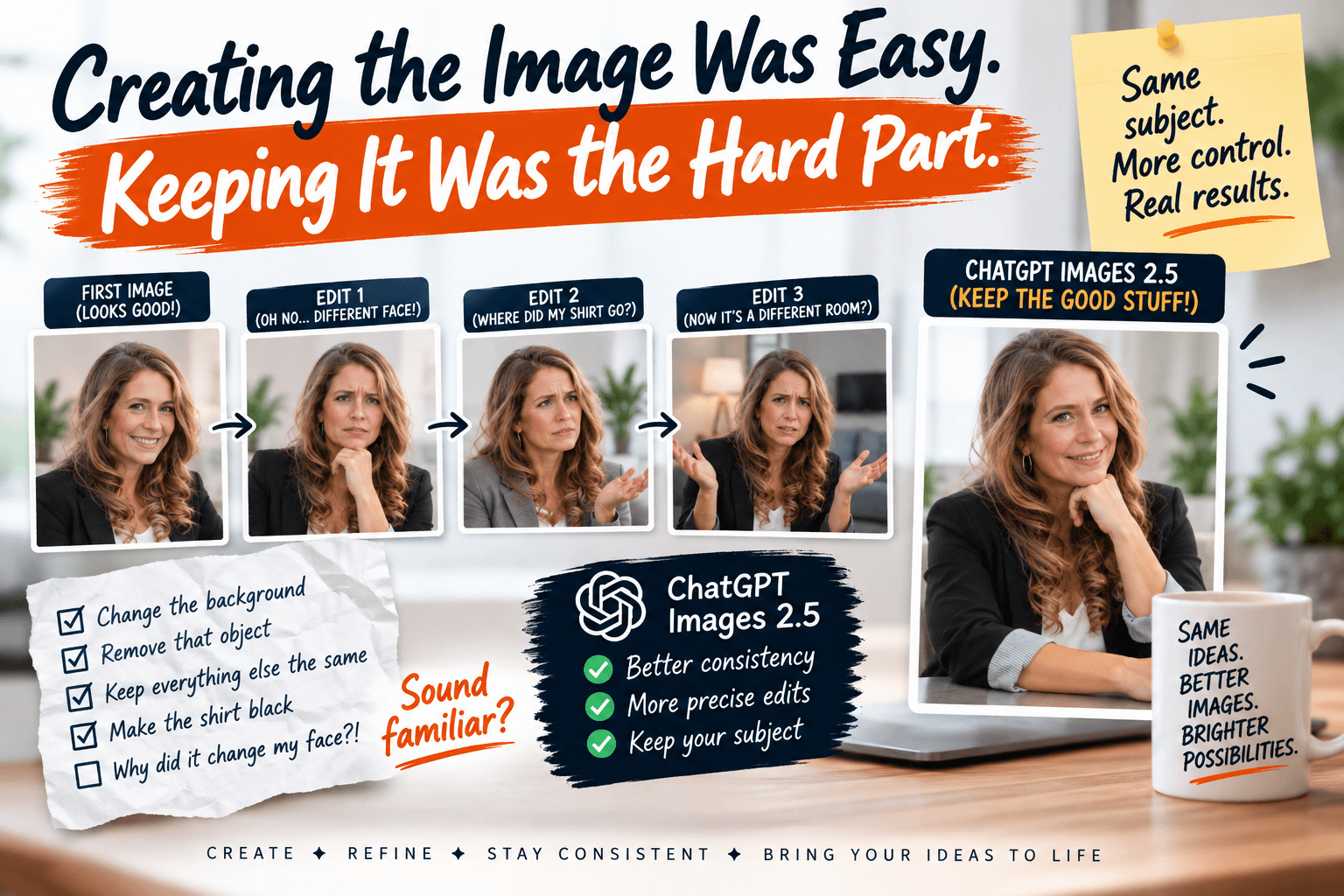
Creating the Image Was Easy. Keeping It Was the Hard Part.
ChatGPT Images 2.5 is here. Here's why the consistency improvement matters more than prettier pictures for everyday entrepreneurs.
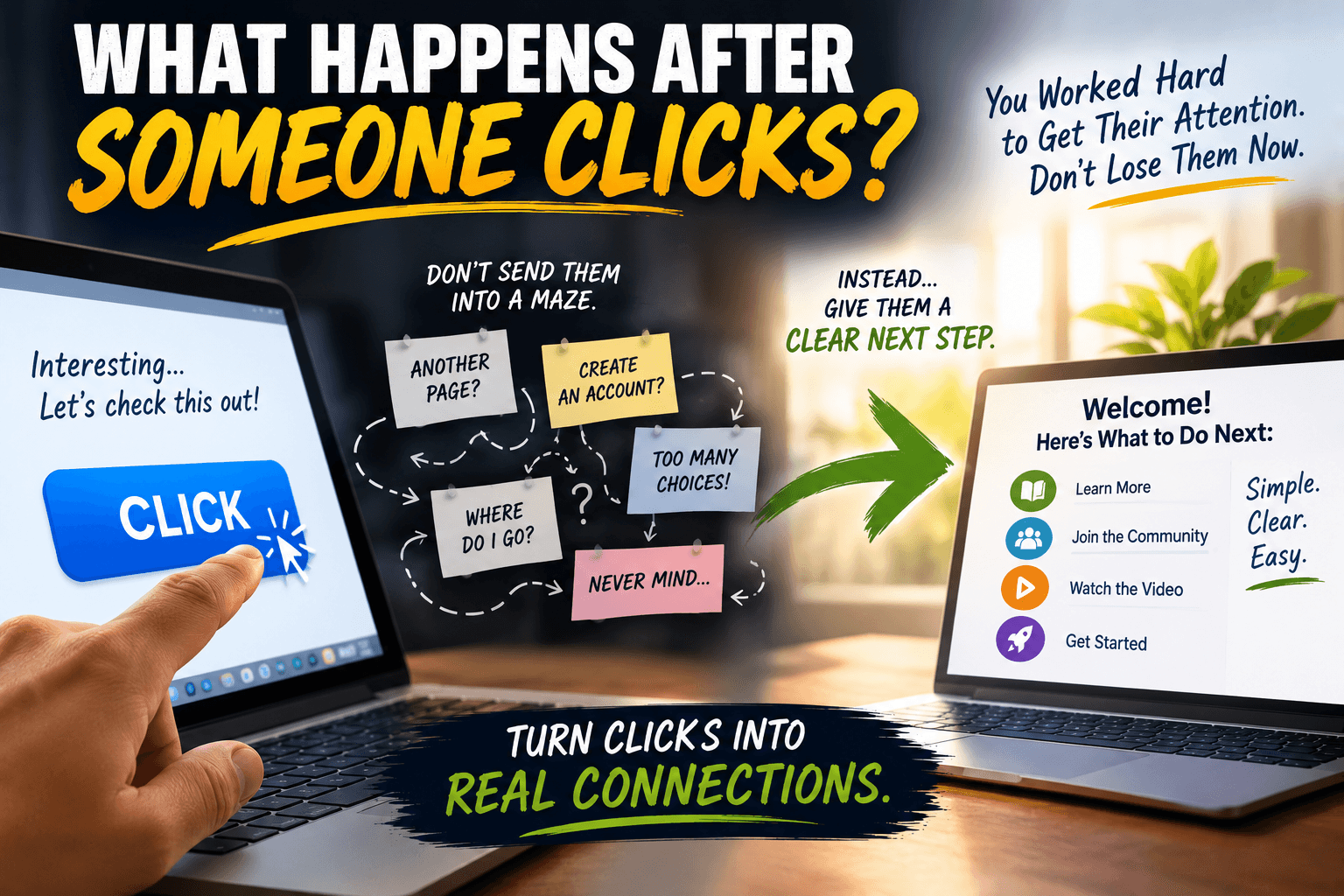
What Happens After Someone Clicks?
You worked hard to get their attention. Don't lose them now. Learn the 10-Second Test to fix your customer journey.
0 Comments
Join the conversation
Be the first to comment
Share your thoughts above.