

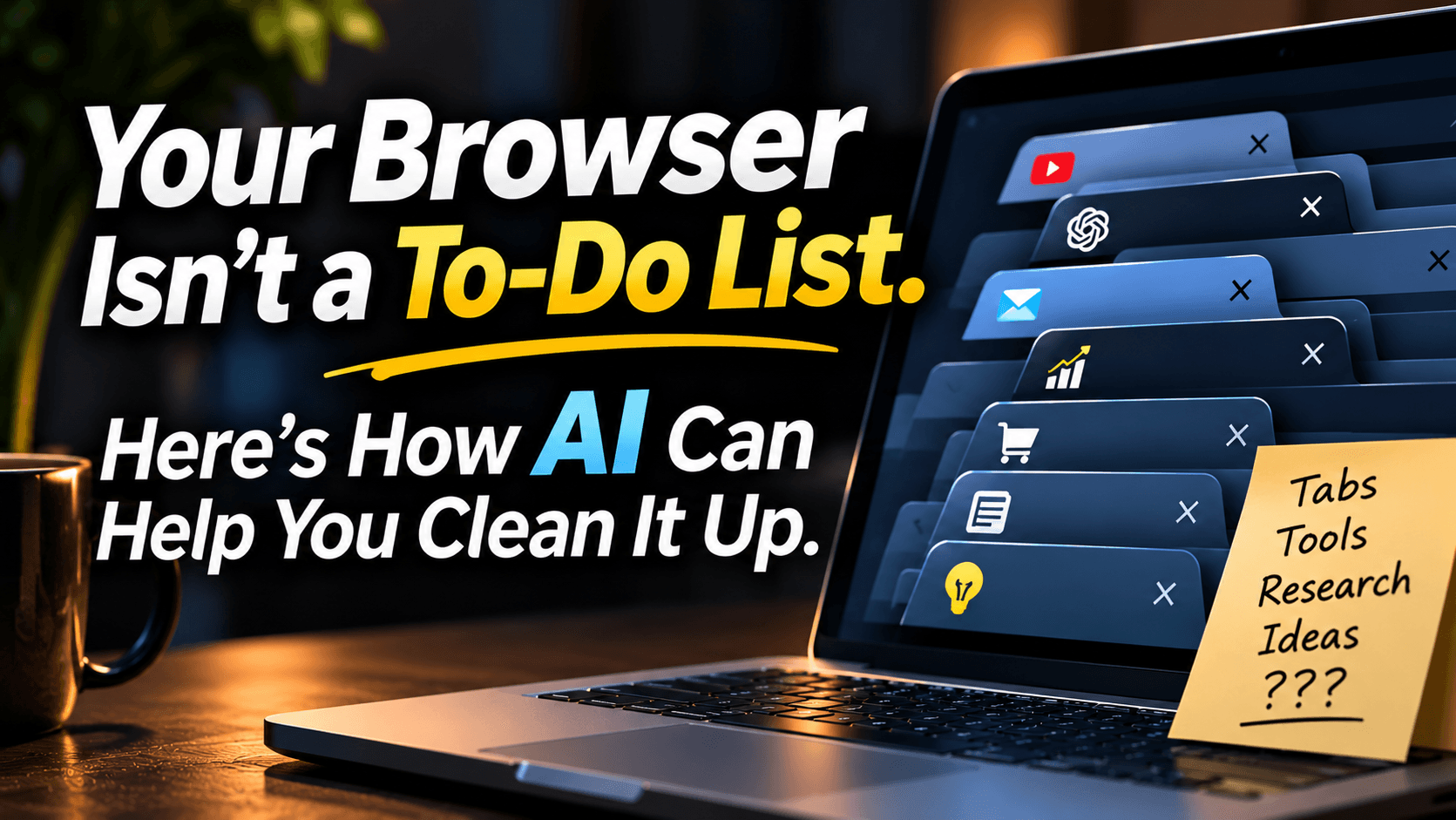
Your Browser Isn't a To-Do List. Here's How AI Can Help You Clean It Up.
Turn forgotten tabs into a searchable business resource, without losing important work.
Yep... I'm completely guilty of this one!
I open my browser to do one simple thing and before I know it, I've got tabs for business ideas, AI tools I want to try, tutorials I'll finish someday and websites I can't even remember opening.
And why don't I close them? Because I might need them later, of course!
At this point, my browser isn't a browser. It's a digital junk drawer with Wi-Fi.
But what if some of that clutter could become a useful business resource instead of another thing on your mental to-do list?
Your Browser Was Never Meant to Be Your Memory
Most entrepreneurs don't open dozens of tabs because they enjoy chaos. They find something useful, don't have time to deal with it and leave it open as a reminder.
The problem is that tabs slowly take on different jobs. Some are research. Some represent decisions you haven't made. Others are tasks you haven't finished. And a few are simply there because closing them feels suspiciously permanent.
That's the difference between collecting information and organizing it. One gives you a pile. The other gives you something you can actually use.
What If AI Could Organize the Mess?
This is an interesting use for AI agents. In simple terms, an AI chatbot usually answers questions you type. An AI agent, when connected to suitable tools and given permission, may be able to carry out a sequence of actions toward a goal.
With a compatible browser integration, an agent could potentially examine accessible tabs, record page titles and links, summarize readable content, group related resources and flag duplicate pages.
It might also build a searchable spreadsheet or document, then identify which pages need your attention rather than treating every tab the same.
The key words are compatible and permission. Not every AI assistant can see your open tabs, read private pages, create files, or control your browser. Those abilities depend on the product, its integrations, and the access you grant.
And even when an agent can perform a task, it can make mistakes. A page summary might miss important details. Two similar-looking links may not be duplicates. Think of the agent as an organizer whose work still needs checking.
Turn Forgotten Tabs Into a Business Resource
Imagine a small business owner researching how to grow a newsletter. Over several weeks, they've opened pages about email marketing software, landing page examples, audience growth ideas, and analytics tutorials.
Those tabs are not necessarily useless clutter. They could be the beginnings of a valuable research library.
Instead of one long row of tiny browser icons, picture a searchable list with a page title, link, topic, brief description, and next action.
The owner could group resources under headings like Tools to Compare, Ideas to Test, Examples Worth Saving and Needs a Decision.
Now a landing page example isn't just another open tab. It's something they can find when they're ready to work on their own page. An analytics tutorial can be saved for the day they actually need it.
The win isn't a smaller tab count. It's being able to find the right information at the right time.
Don't Let AI Close Everything Blindly
Copying a URL does not always preserve what was happening inside a tab. You might have an unfinished form, an unsaved draft, a running upload, a page behind a login, or information that won't reappear when you reopen the link.
Some URLs even contain private tokens or other sensitive details that should not be copied into a shared spreadsheet or sent to an AI service without careful review.
That's why closing tabs deserves a separate decision. A safe process would check what was saved, keep uncertain or active pages open, and ask for your approval before closing anything.
Review the permissions you grant, use tools you trust, and avoid giving an agent unnecessary access to sensitive accounts. If a page can't be read reliably, it should be flagged, not given a made-up description.
A good workflow doesn't just know how to finish. It knows when to stop and ask.
Start Simple. You Don't Need Another Subscription.
You don't need a fancy automation setup to get value from this idea.
Start with a few tabs. Save the title and link in a document or spreadsheet, add a short note about why each matters, and choose a next action. If you have a compatible AI tool, it may help summarize or sort information you've deliberately shared.
The best organizational system is the one you'll actually return to. A beautifully categorized spreadsheet that nobody opens is just a fancier junk drawer.
The Bigger Opportunity
This isn't really a story about browser tabs. It's about how entrepreneurs can use AI for more than producing another paragraph, image or social post.
Think about the little jobs that quietly eat your day: sorting research, grouping customer questions, preparing summaries, or identifying unfinished tasks.
Some of those jobs may be good candidates for AI assistance because they're repetitive, while the decisions about what's important still belong to you.
Ready to turn forgotten browser tabs into something useful? I've shared practical prompts inside the Self Made Success Community to help you organize research, build a searchable resource list, and think through what should be checked before anything gets closed.
Your browser shouldn't have to remember everything for you. Collecting information is useful, but finding it again is where the value begins.
Now I'm curious: How many browser tabs do you have open right now? |

What Customer Questions Reveal About Your Business | SMS
Learn how repeated customer questions reveal problems in your business. Try a simple 20-minute audit to improve the customer experience without new tools.
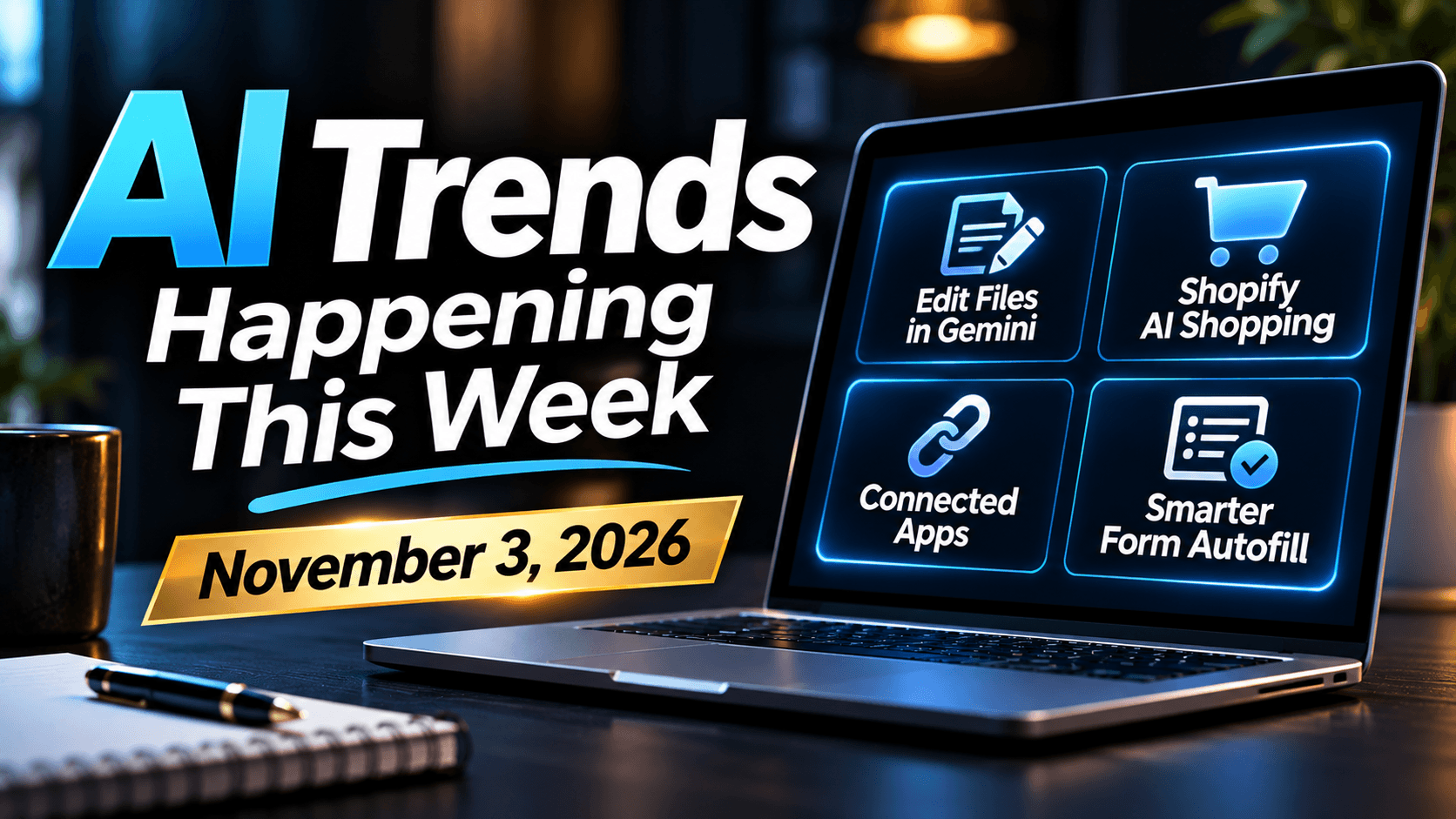
AI Trends November 3, 2026: Gemini, Shopify & Chrome
Explore four AI trends for small businesses: Gemini file editing, Shopify AI shopping, Google's connected apps, and Chrome's smarter autofill features.
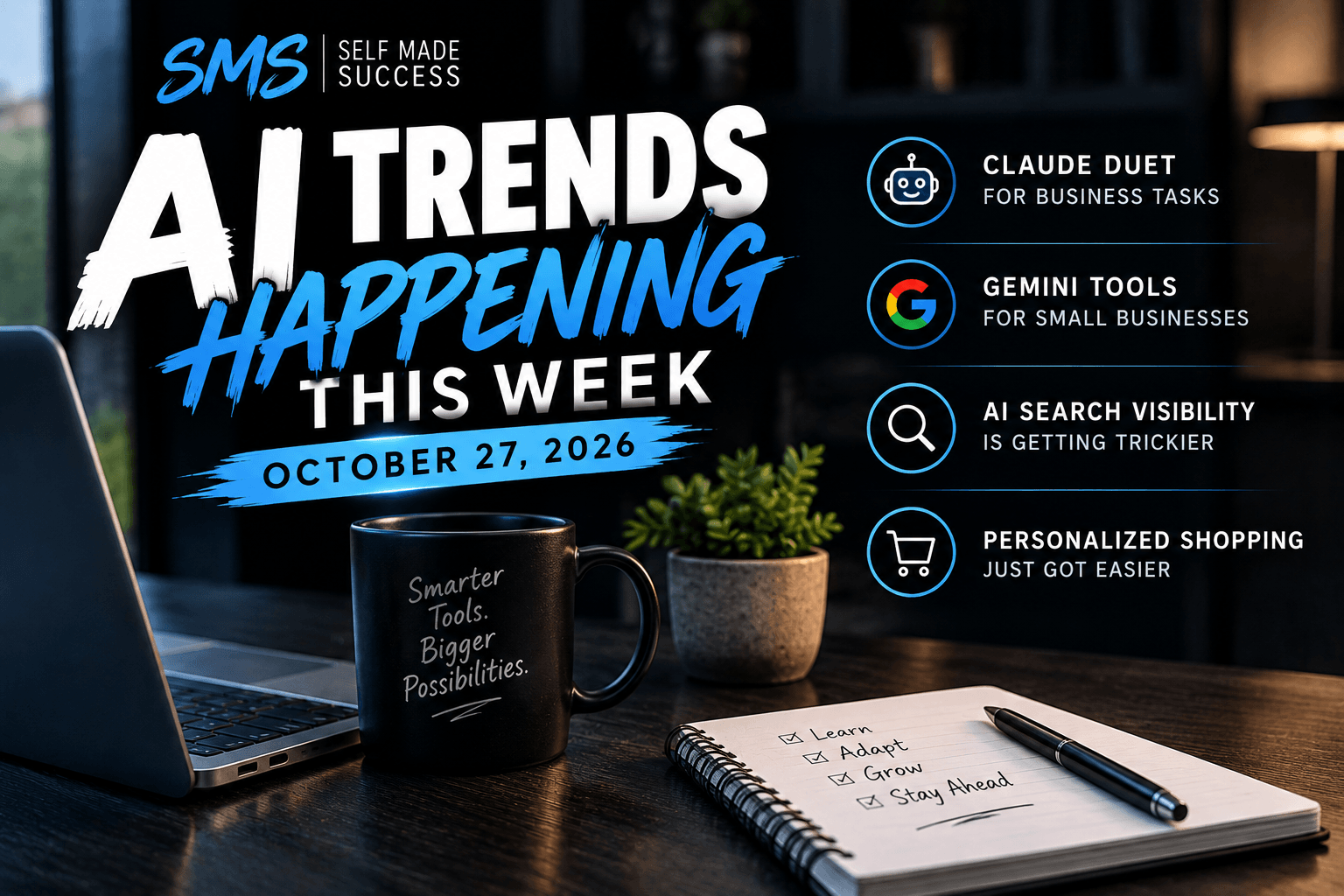
AI Trends October 27, 2026: Agents, Gemini, Search & Shopping
Explore four AI trends for entrepreneurs this week: Claude Duet, new Gemini business tools, changing AI search visibility, and smarter shopping quizzes.

5 Questions to Ask Before Adding Tools to Your Business
Before adding another business tool or strategy, use these five practical questions to save time, reduce clutter, and improve your customer experience.
0 Comments
Join the conversation
Be the first to comment
Share your thoughts above.