
7 Things You Can Hand to ChatGPT Today (That Aren't Writing Content)
You might be using ChatGPT for emails and posts, but it's capable of helping with much more
Most people meet ChatGPT and immediately put it to work writing things.
Emails. Social posts. Blog articles. Maybe the occasional birthday message when the brain refuses to cooperate.
Nothing wrong with that but imagine hiring someone to help with your business and only asking them to write emails all day.
You might be leaving some of the best help sitting on the sidelines.
Here are seven other ways ChatGPT can help, even if you're not a tech expert.
1. Find Clues in a Messy Spreadsheet
Have a spreadsheet full of sales, expenses, or inventory numbers? Upload a copy and ask ChatGPT to identify trends, possible duplicates or unusual changes.
Maybe one expense has quietly increased, or a popular product isn't earning as much as you thought.
It's a starting point for investigating your numbers, not a replacement for checking them.
2. Compare Two Business Choices
Trying to choose between two subscriptions, services or pricing plans?
Give ChatGPT the details and ask it to organize the differences, including annual costs, limits, and features you might overlook.
Sometimes seeing everything side by side makes the decision much easier.
3. Practice With a Difficult Customer
Nobody enjoys hearing, “That's too expensive.”
Ask ChatGPT to play a skeptical customer so you can practice explaining your offer and answering objections.
You can even ask for feedback on where your answers sound unclear or defensive.
Better to practice privately than freeze during a real conversation.
4. Get Fresh Eyes on Your Website
You've looked at your website so many times that everything makes perfect sense to you.
But does it make sense to someone visiting for the first time?
Upload a screenshot and ask ChatGPT what might confuse a visitor, what information seems missing, and whether the next step is obvious.
It's a useful first review, though real visitor feedback still matters.
5. Simplify That Task You Keep Putting Off
Think about a weekly task that takes too many clicks, tabs, and reminders.
Explain the steps to ChatGPT and ask which ones could be simplified, combined, or removed.
The answer might not be another expensive app.
It might be doing fewer things in the first place.
6. Discover What a Sale Really Earns
A $100 sale doesn't mean you made $100.
There are payment fees, supplies, shipping, advertising and maybe hours of your own time.
ChatGPT can help you organize those costs and explore different pricing scenarios.
Just verify the calculations before making a financial decision.
7. Let It Challenge Your Big Idea
ChatGPT can be wonderfully encouraging. Sometimes a little too encouraging.
Before investing in a new product, course, or service, ask it to challenge your assumptions.
What could go wrong? Why might customers hesitate? What's a low-cost way to test the idea?
A few tough questions now could save a lot of frustration later.
Want to Know How to Do These?
You don't have to try all seven. Pick the one that could make the biggest difference in your business.
And if you're wondering exactly what to ask ChatGPT, how to get started or how to use the results, I'd love to help.
Inside the Self Made Success Community, we'll dig into the practical how-to, with simple instructions, useful prompts, and examples you can make your own.
No complicated tech talk. Just a little more help getting things done.
Come join us inside the Self Made Success Community. |

Trends Happening This Week: October 11, 2026
Four trends worth watching: Google's Gemini agent, beehiiv's creator tools, Google's AI-content guidance, and AgentR Webcmd.

AI Isn’t the Biggest Risk to Your Business. Fear Is.
AI regulation is evolving fast. Learn why fear may be a bigger business risk than AI itself and how skeptical entrepreneurs can keep moving.

5 AI Trends Happening This Week: October 6, 2026
AI trends this week for entrepreneurs: five practical AI business trends and tools worth watching for small business on October 6, 2026.
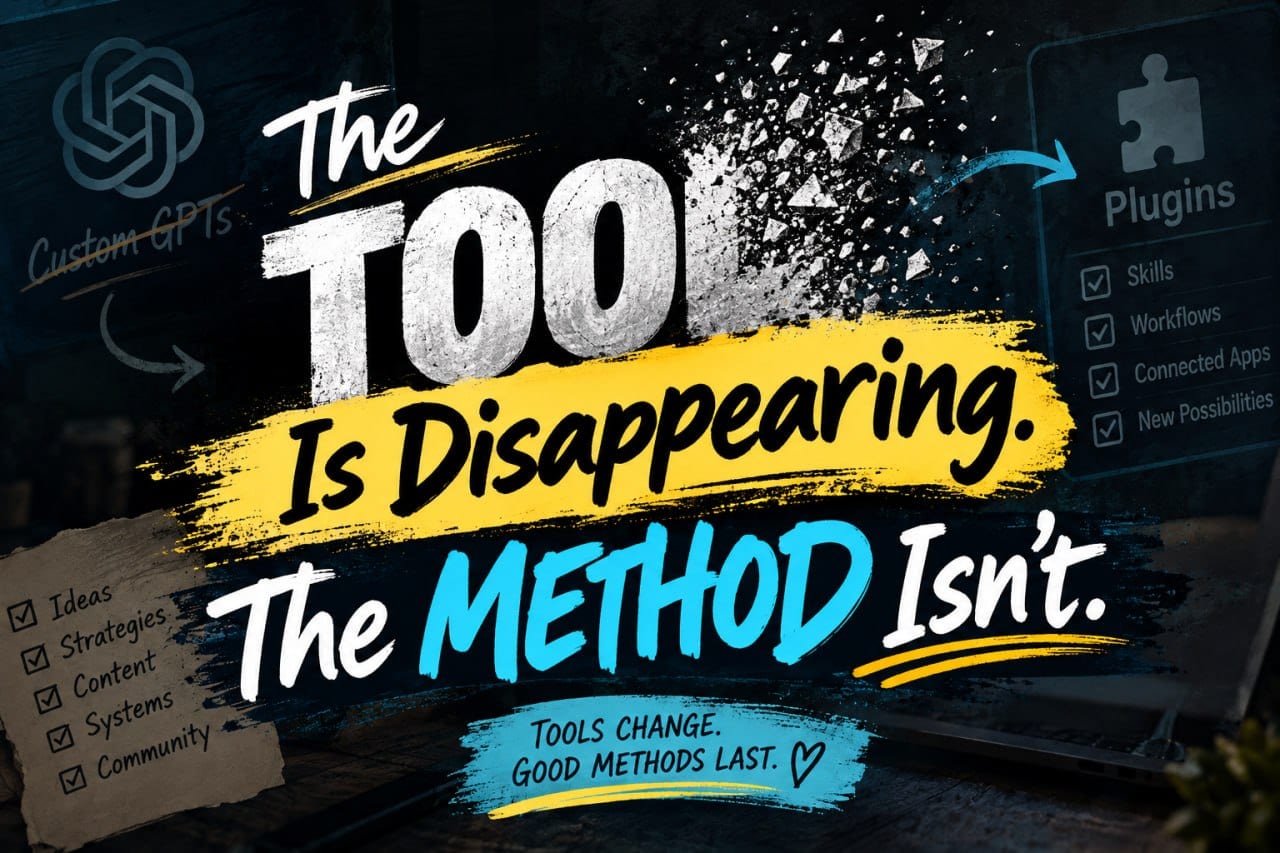
The Tool Is Disappearing. The Method Isn't.
OpenAI is retiring Custom GPTs on December 11, 2026. I built one for my Rapid Content Method course, and now I'm figuring out what comes next. The bigger question: Do you own the method, or only the container?
0 Comments
Join the conversation
Be the first to comment
Share your thoughts above.